
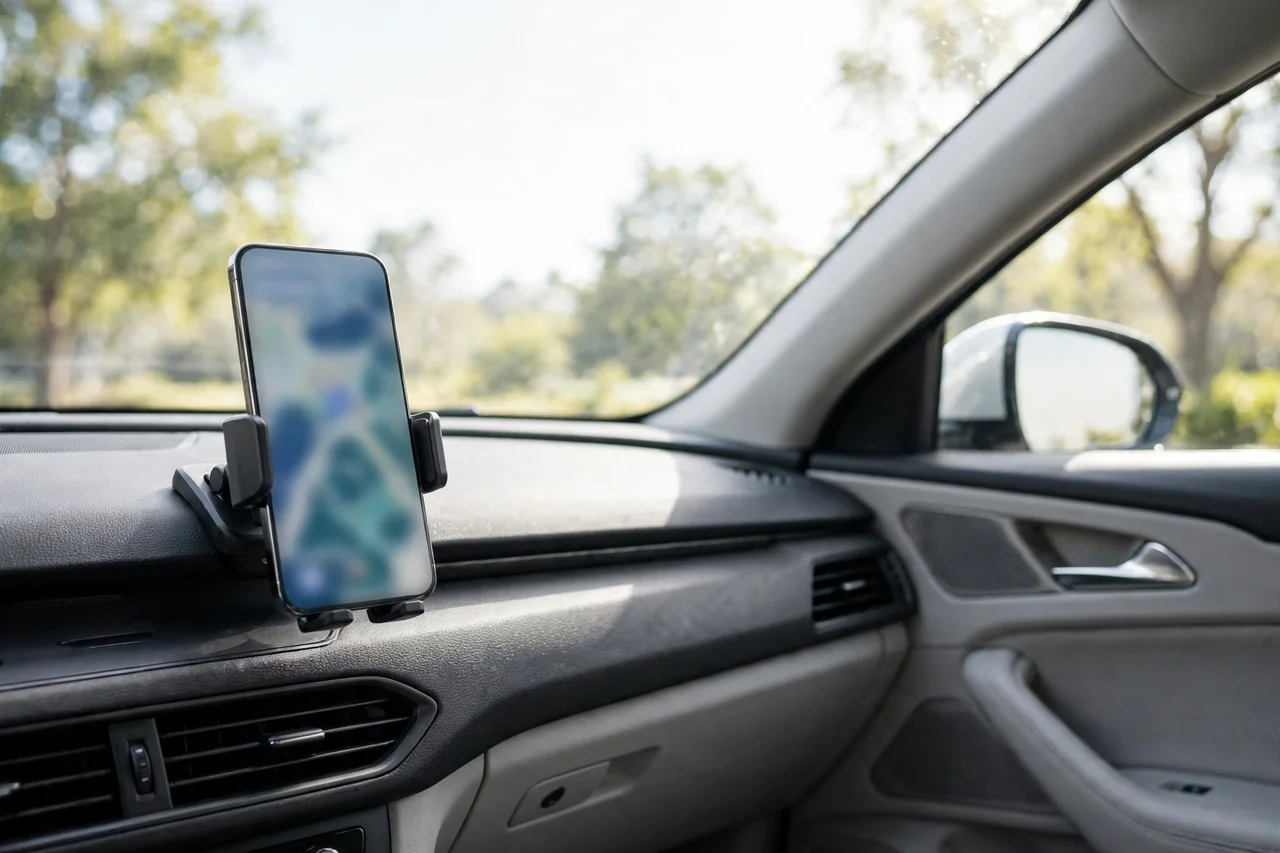

Your phone is probably the most useful tool you carry in the car after the keys themselves. The best apps for drivers can help you find cheaper fuel, avoid traffic, remember where you parked, keep on top of servicing and even prove what happened in a dispute. The trick is choosing a small set of apps that genuinely earn their place on your home screen, rather than filling your phone with clutter.
This guide covers the categories that matter most to UK motorists, what to look for in each, and how island drivers in particular can use them to make everyday journeys and mainland trips run more smoothly.
Navigation and Traffic Apps
A good navigation app is the foundation of the modern driver’s toolkit. Beyond simple directions, the best options report live traffic, roadworks and closures, and reroute you before you reach the queue. For Isle of Wight drivers, that live information matters twice over: once on island roads, and again when timing a trip to the ferry. Planning a crossing alongside our Isle of Wight ferry guide helps you build in the right buffer without leaving home an hour earlier than necessary.
Look for offline maps if you regularly drive through areas with a weak signal, and check whether the app announces speed cameras and average-speed zones clearly; a calm voice prompt is far safer than glancing at the screen.
Fuel and Parking Apps
Fuel prices can vary noticeably between forecourts, and price-comparison apps show you the cheapest petrol or diesel near your route so you can plan fill-ups rather than panic-buying at motorway prices. Over a year of regular driving, that habit alone can save a meaningful sum.
Parking apps solve a different headache. They show car parks near your destination, let you pay without hunting for change and, most usefully, allow you to extend your stay remotely when a meeting or a shopping trip runs long. Some also guide you back to the car, which regular visitors to unfamiliar mainland cities will appreciate.
The Best Apps for Drivers Who Want Lower Running Costs
Motoring costs are easier to control when you can see them. Mileage and expense trackers log fuel, servicing and repairs in one place, turning vague worry into clear numbers you can act on. Combined with the figures in our guide to car service costs on the Isle of Wight, a simple tracker shows exactly what your car costs per mile and where the money goes.
Maintenance reminder apps work alongside your service book: they flag MOT and service due dates, store your garage’s details and keep a photo record of invoices. That kind of organisation pairs naturally with a proper car service plan for island drivers, spreading costs and making sure nothing important is forgotten between visits.
Breakdown, Safety and Dashcam Apps
Breakdown providers now bundle apps that share your location with the patrol, track its arrival and store your membership details. Even if you rarely need them, having one installed before you need it is the point. Dashcam apps can turn a spare phone into a basic camera, though a dedicated dashcam is still the better long-term option for regular drivers.
Safety apps can also share your live location with family on a long journey, useful for new drivers and for anyone travelling at night. Just remember the golden rule: set everything up before you move off, use a proper dashboard or vent mount, and never interact with the phone while driving. The law treats handheld use at the wheel seriously, and no notification is worth the risk.
Apps for Island Life and Everyday Driving
Local driving has its own rhythms: school runs, coastal routes, seasonal traffic and the occasional flooded lane after heavy rain. Weather and tide apps earn their place here, particularly for drivers whose routes follow the coast. Our overview of everyday island motoring covers the habits that make those journeys easier, and the right apps simply support them: check conditions before you leave, choose the route that suits the day, and keep the car ready.
When something does go wrong away from home, knowing your options matters. A mobile auto service can often come to you, and having the number saved, in an app or in your contacts, turns a stressful breakdown into a manageable delay.
EV Charging and Electric Car Apps
If you drive an electric car, charging apps are as essential as fuel apps are for everyone else. They map public chargers, show which are free and working, filter by connector type and charging speed, and increasingly let you pay across several networks from one account. On an island with a growing number of charge points at supermarkets, car parks and attractions, that live availability information saves the particular frustration of arriving at the only charger in town to find it occupied or out of order.
Most EVs also have a manufacturer app that handles remote locking, cabin pre-heating and charging schedules. Set charging to finish shortly before you leave rather than hours earlier; the battery will thank you, and off-peak scheduling can cut the cost of home charging noticeably.
Apps for New and Returning Drivers
New drivers benefit from a different set of tools: theory-test practice apps before the test, then telematics apps from insurers afterwards, which score smoothness, braking and cornering and can reduce premiums for careful driving. Parents often use the same apps to keep an eye on a young driver’s habits without sitting in the passenger seat.
Returning drivers, perhaps coming back after years of relying on lifts or public transport, find parking and navigation apps the most reassuring. Practising familiar routes with live traffic running builds confidence quickly, and a simple checklist app for weekly checks, tyres, lights, oil and screenwash, helps rebuild good habits one week at a time.
How to Choose Without Overloading Your Phone
Start with three apps: navigation, fuel or parking, and your breakdown provider. Live with those for a month, then add a cost tracker or maintenance reminder if you want more control. Check reviews for accuracy rather than popularity, read the permissions an app asks for, and delete anything you have not opened in six weeks. A tidy phone, like a tidy car, is easier and pleasanter to use.
The best apps for drivers are not the ones with the longest feature lists. They are the ones that quietly remove friction from journeys you make every week: the cheaper fill-up, the avoided queue, the service booked on time. Set them up properly once, and they will pay you back on almost every trip.